Biometric
Liveness
Detection
Confirm live presence. Keep biometric data out of platforms.
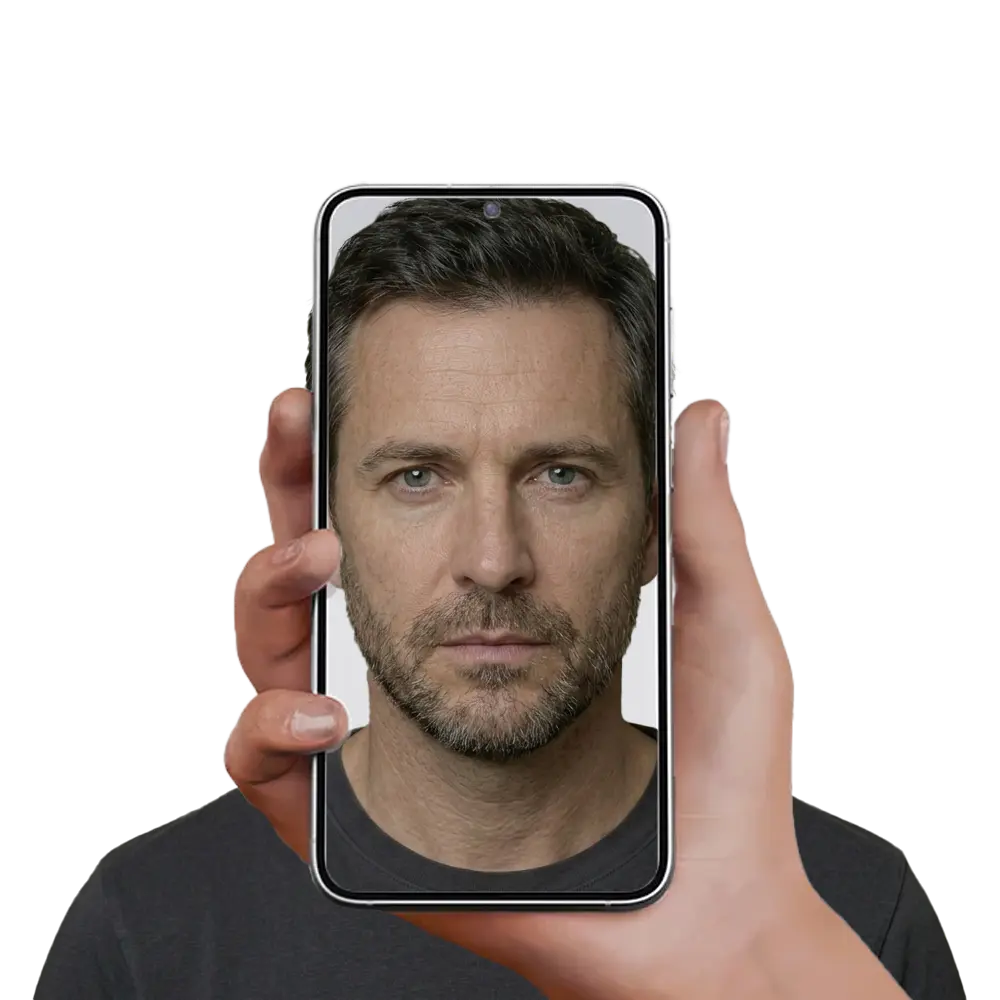
Liveness and matching for session-based age verification.
Age App™ checks for live presence at the moment of verification, using session and device controls alongside the live check itself.
Liveness controls are designed to detect common presentation and replay attempts. Which signals are used, and how, is confirmed against the deployed product rather than described in marketing.
Real-Time Verification
Deepfake and spoof mitigation
Privacy-First Architecture
What liveness does, and what it does not
Liveness is a security control, not an age test
Liveness confirms a live person is present in the session. It does not decide how old that person is.
No biometric data sent
Only a pass or fail age result is returned.
Signed session record
Each result carries a signature and an expiry, so a platform can check it came from us.
Nothing stored by the site
The site stores a result, not a record.
How the live check works online and in physical locations
Age App™ runs the same live check on websites, in apps, at kiosks, in retail and at entry points. Liveness controls are designed to detect common presentation and replay attempts. Where a check looks suspect, the session can be rejected or escalated rather than quietly passed.
Facial Liveness Detection
The live check looks for signals that a real person is in front of the camera rather than a photo or a screen. The exact signals are set by the deployed component, not by this page.
Active Liveness Detection
Some flows ask the user to perform a short action during the check. Whether an active step is used depends on the flow and the risk signals in that session.
Dynamic QR and the session binding
A time-limited QR code ties the session to the moment it was started. That is designed to limit replay through session and expiration controls.
What happens when a check looks wrong
A failed or suspect check does not silently pass. Age App™ evaluates signals and may reject or escalate suspected spoofing attempts, and the platform is told the outcome rather than the reason.
What the relying platform is told
Pass or fail, the threshold, session validity and a signature. Not the biometric signals, not the images, and not the reason a check did not pass.
Accessibility fallback
Detects real human behavior, depth, and micro-expressions to confirm authenticity.
Suspected spoofing attempts
Signals are evaluated, and a session may be rejected or escalated for review.
Smart QR Integration
Each QR session carries an expiry, which is designed to limit reuse of its result.
Why liveness is not the same thing as age estimation
Facial age estimation predicts an age band from a face and returns a probability. Age App™ does not do that. Age is established from authoritative information at setup, and the live check confirms that the same person is present now. Biometrics support liveness and matching. They are not used to estimate or infer age.
What establishes the age
Authoritative information checked at setup, not a reading taken from a face.
What the live check confirms
Confirms the person in the session matches the ID checked during setup.
What it does not do
It does not read an age from your face, and it does not send that face onward.
Escalation on risk signals
High-risk signals trigger enhanced verification or rejection during suspicious user activity.
Ask about age.
Not identity.
Setup once.
A new live session each time access is asked for.